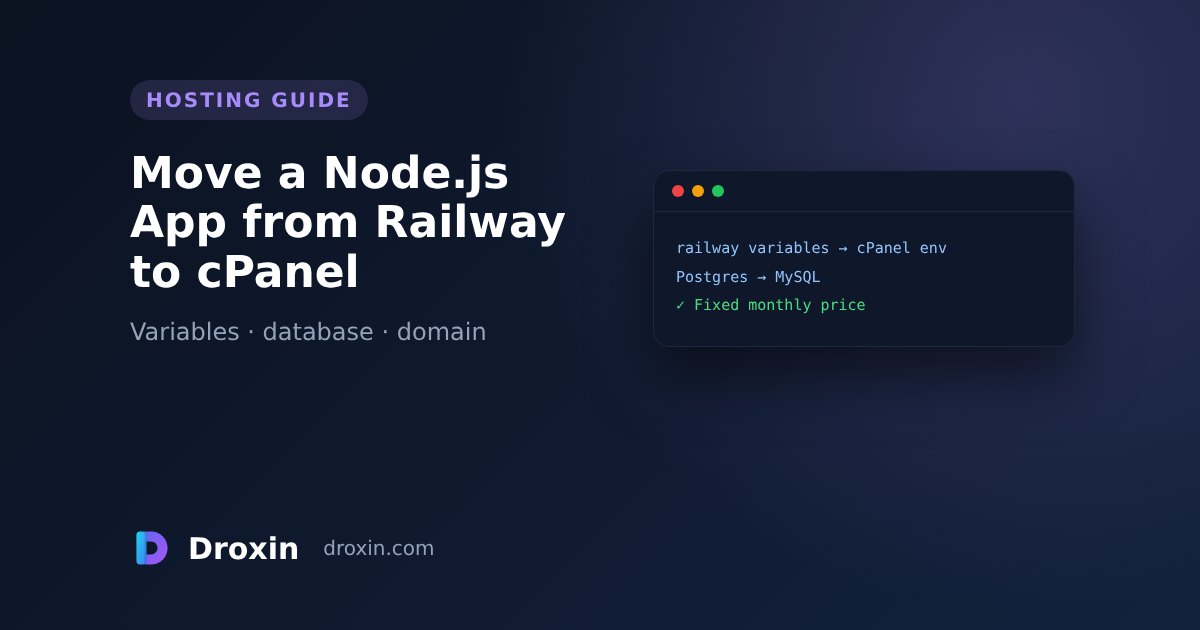
Short answer: a Railway app that is a website, an API or a webhook bot moves to cPanel in five steps: copy its environment variables, export the database, upload the code, create the app in Setup Node.js App, then point your domain. What does not move as-is: Dockerfiles, always-running workers, and Postgres (cPanel hosting usually includes MySQL/MariaDB).
Check first: does your app fit cPanel?
| On Railway you use… | On cPanel hosting |
|---|---|
| A Node.js web service (Express, Fastify, NestJS, Next.js) | Fits — runs under Phusion Passenger |
| A Telegram bot with a webhook | Fits |
| A bot or worker that runs all the time (polling, queues) | Runs with PM2 over SSH within your plan's RAM, or switch the bot to a webhook |
| A Dockerfile | Not used — the app runs directly with Node.js |
| Railway Postgres | Move the data to MySQL/MariaDB, or keep your Postgres where it is — Droxin apps can connect to an external PostgreSQL |
| Railway Redis | Not included; an external Redis (for example Upstash) can be connected |
| Cron service | cPanel Cron Jobs |
1. Copy the variables
In Railway open the service → Variables → Raw Editor and copy everything except variables Railway sets itself (RAILWAY_*, PORT). You will paste them into the app's environment variables in cPanel.
2. Export the database
- MySQL on Railway:
mysqldumpwith the connection details from the Railway database's Connect tab, then import the file in cPanel → phpMyAdmin. - Postgres: if your ORM supports MySQL (Prisma, TypeORM, Sequelize, Knex), change the provider, run your migrations on the new MySQL database and copy the data with a small script or a tool such as pgloader on your computer. Raw Postgres SQL (
jsonbqueries, arrays) needs rewriting — check that before you move.
Rather skip the setup? Node.js hosting with cPanel from $2.50/mo — always on, database included, and we fix the app if it won't start.
3. Prepare the code
- Listen on
process.env.PORT. - Build locally if the app has a build step (
npm run build). - Upload the code without
node_modulesto a folder outsidepublic_html, or clone it over SSH with git.
4. Create the app
cPanel → Setup Node.js App → Create: choose the Node.js version Railway used (see engines in package.json or the build log), set the application root, the URL and the startup file (server.js, dist/main.js…), paste the variables, then Run NPM Install and Restart. Step by step: Deploy a Node.js app on cPanel; for Next.js see Deploy Next.js on cPanel.
5. Switch the domain
Test the app on a temporary subdomain first. When it works, point your domain's DNS to the hosting (or add the domain in cPanel), wait for the free SSL certificate, and update any webhooks (Stripe, Telegram setWebhook, GitHub) to the new address. Keep the Railway service for a few days, then remove it so it stops billing.
What changes in cost
Railway bills usage by the second on top of a monthly minimum; cPanel hosting is a fixed monthly price for the CPU, RAM and disk you choose, with the database included. Current prices for both, with sources: hosting comparison and cheap Heroku alternatives.
Rather not do it yourself? Our migration from Heroku, Render or Railway moves the app and its database to Droxin Node.js hosting for a fixed price, and we tell you first if something in your app won't fit.