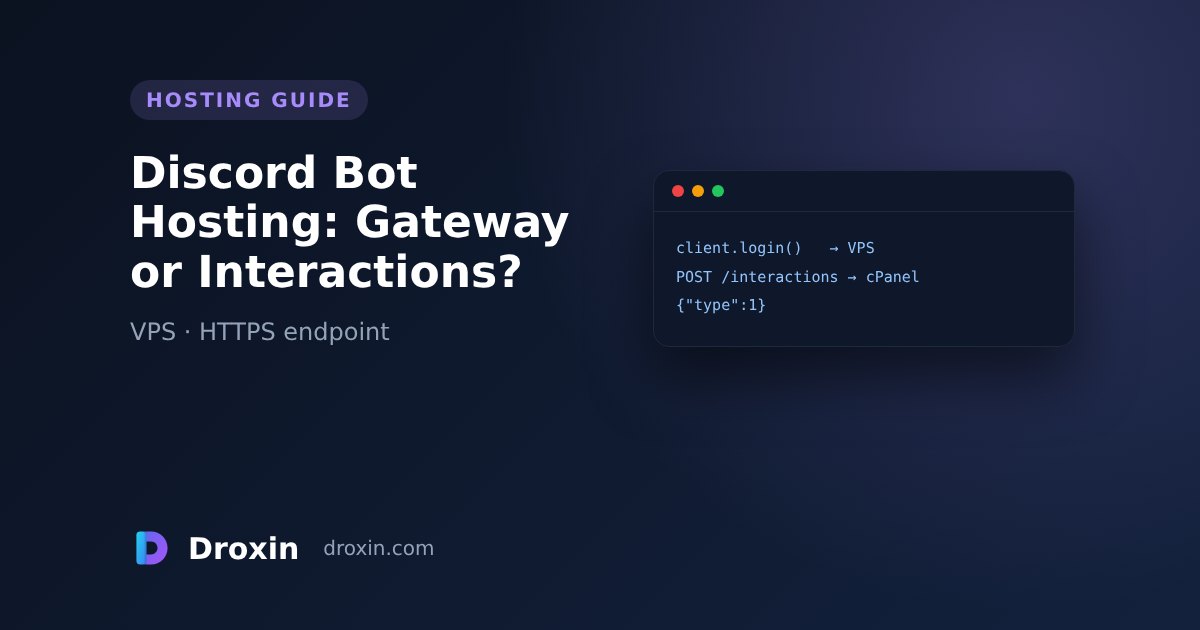
Short answer: a classic Discord bot (discord.js client.login(), discord.py client.run()) keeps a WebSocket connection to Discord's Gateway open all the time, so it needs a process that never stops: on Droxin you run it with PM2 over SSH, or on a VPS. A bot that only answers slash commands, buttons and modals can use an Interactions Endpoint URL instead: Discord sends each interaction as an HTTPS request, which ordinary cPanel hosting handles well.
The two kinds of Discord bot
| Gateway bot | Interactions endpoint (HTTP) | |
|---|---|---|
| How it receives events | A permanent WebSocket with heartbeats | An HTTPS POST for each slash command, button or modal |
| What it can do | Everything: read messages, react to members joining, voice, presence | Respond to interactions only; it can still call the REST API to post or edit messages |
| Process | Must run 24/7 | Only runs while answering a request |
| Where to host | PM2 over SSH on Droxin, or a VPS | Any HTTPS hosting, including cPanel |
Running a gateway bot on cPanel hosting
Don't create a gateway bot as an app in Setup Node.js App: Phusion Passenger starts apps when a web request arrives and may stop them when idle, and a gateway bot gets no web requests, so it would go offline. Run it with PM2 over SSH instead (cPanel → Terminal):
npx pm2 start bot.js --name discord-bot
npx pm2 save- It uses memory all the time — a small discord.js bot often needs 100–200 MB, more on many servers (an estimate; measure yours) — counted in your plan's RAM.
- After a server reboot, start it again with
npx pm2 resurrect. - Music, voice and very large bots are better on a VPS.
More on the difference: Passenger vs PM2.
How an interactions bot works
- In the Discord Developer Portal, open your application and set Interactions Endpoint URL to an HTTPS address of your app, for example
https://bot.example.com/interactions. - Discord sends a
PINGto check the address; your app must answer with{"type":1}. - Every request is signed. Verify the
X-Signature-Ed25519andX-Signature-Timestampheaders with your application's public key (thediscord-interactionspackage for Node.js does this) and reject anything that fails — Discord tests this when you save the URL. - Answer within 3 seconds. For slow work, reply with a deferred response first and edit the message later through the REST API.
- Register your slash commands once with the REST API (a small script you run from your computer or SSH).
A minimal Express version:
const express = require('express');
const { verifyKeyMiddleware, InteractionType, InteractionResponseType } = require('discord-interactions');

const app = express();
app.post('/interactions', verifyKeyMiddleware(process.env.DISCORD_PUBLIC_KEY), (req, res) => {
  const i = req.body;
  if (i.type === InteractionType.APPLICATION_COMMAND && i.data.name === 'ping') {
    return res.send({ type: InteractionResponseType.CHANNEL_MESSAGE_WITH_SOURCE, data: { content: 'Pong!' } });
  }
  res.status(400).end();
});
app.listen(process.env.PORT || 3000);
Set DISCORD_PUBLIC_KEY as an environment variable in Setup Node.js App, not in the code. The middleware answers Discord's PING for you.
Which one do you need?
- Moderation, auto-replies to messages, welcome messages → gateway bot with PM2 (or a VPS). Music and voice → VPS.
- Slash-command tools: lookups, tickets, polls, forms, integrations with your website or shop → interactions endpoint, runs on cPanel hosting.
Droxin Node.js hosting runs interactions-endpoint bots under Passenger with free SSL, and gateway bots with PM2 over SSH. We will tell you honestly if your bot needs a VPS instead.