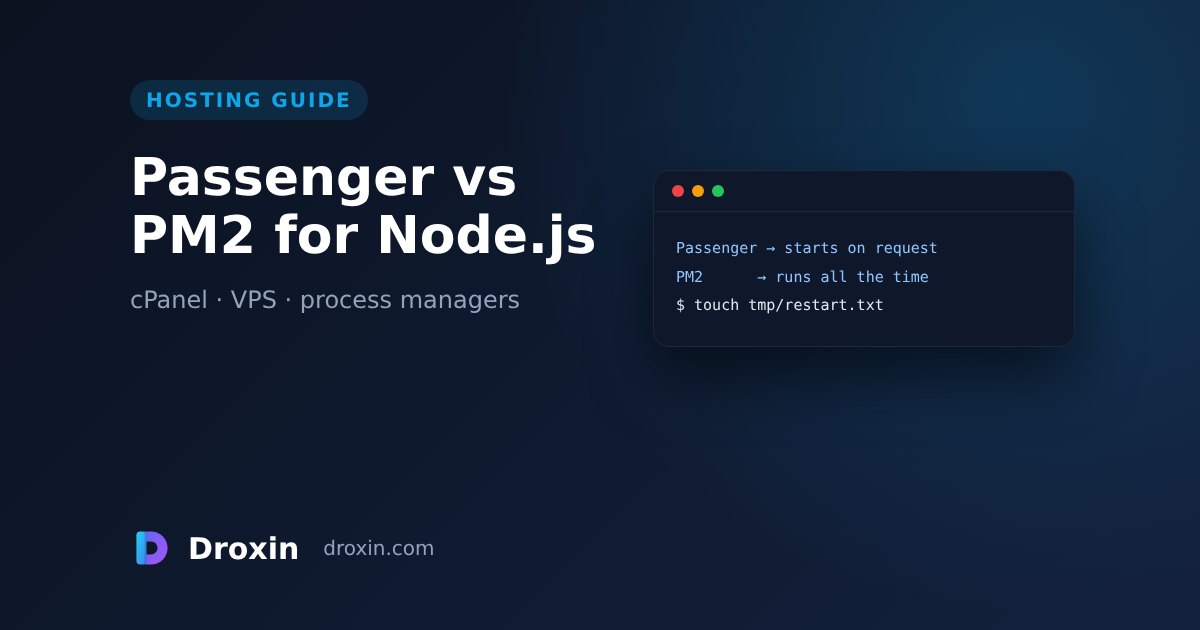
Short answer: on cPanel hosting a Node.js web app is run by Phusion Passenger: it starts the app on the first request, starts it again after a crash, may stop it when it is idle, and needs no setup after a server reboot. PM2 keeps a process running all the time, which is what a polling bot, a Discord gateway bot or a queue worker needs. On Droxin you can use both: Passenger for websites, APIs and webhook bots, and PM2 over SSH for processes that must never stop — within your plan's CPU and RAM.
What each one does
| Phusion Passenger (Setup Node.js App) | PM2 (over SSH) | |
|---|---|---|
| Who starts the app | The web server, when a request arrives | You, with pm2 start |
| When it runs | While it receives requests; it may be stopped after an idle period | All the time, until you stop it |
| Reachable on your domain | Yes, with free SSL — no port or proxy to set up | No; use it for processes that don't serve your website |
| Crash | Started again on the next request | Restarted immediately |
| Server reboot | Nothing to do | Start your processes again (pm2 resurrect) |
| Resources | Uses CPU and RAM while handling requests | Uses RAM all the time, within your plan's limits |
| Good for | Websites, APIs, webhook bots, Discord interactions endpoints | Polling bots, gateway bots, queue workers, scheduled loops |
Web apps: use Passenger
- Create the app in Setup Node.js App, set the startup file (for example
app.jsordist/main.js) and listen onprocess.env.PORT:app.listen(process.env.PORT || 3000). - Restart after a deploy with the Restart button, or over SSH with
touch tmp/restart.txtin the app folder. - Don't wrap a web app in PM2 as well: Passenger already starts, restarts and logs it.
Rather skip the setup? Node.js hosting with cPanel from $2.50/mo — always on, database included, and we fix the app if it won't start.
Non-stop processes: use PM2 over SSH
Open Terminal in cPanel (or connect with SSH), enter your app's environment with the source …/activate command shown at the top of the app screen, then:
cd ~/mybot
npm install pm2            # or use npx pm2 …
npx pm2 start bot.js --name mybot
npx pm2 save               # remembers the list for pm2 resurrect
npx pm2 logs mybot         # see what it prints
After a server reboot, start them again with npx pm2 resurrect, or ask support to help you automate it. pm2 startup needs root and does not work on shared hosting.
- A PM2 process uses memory all the time, and it counts against your account's RAM and process limits together with your web apps — see Node.js memory and CPU limits.
- Keep it to one or a few small processes. Don't use PM2 cluster mode; it multiplies memory use.
- Jobs that only need to run every few minutes are lighter as cron jobs (call the app's own Node.js binary, whose path is in the activate command, e.g.
/home/USER/nodevenv/app/20/bin/node /home/USER/app/jobs/send-reminders.js).
When a VPS is the better choice
- Many non-stop processes, or ones that need more memory than your plan.
- Socket.IO or other WebSocket servers with many long-lived connections that must be reachable on your domain.
- Anything that needs root, Docker or system services.
FAQ
Polling bot or webhook — which should I use?
Both work on Droxin. A webhook bot under Passenger uses resources only when messages arrive and needs nothing after a reboot. A polling bot under PM2 needs no domain or SSL but uses RAM all the time and must be started again after a reboot.
My web app starts slowly after a quiet night. Why?
Passenger stopped it while it was idle, and the first request started it again. For a typical Express app that takes about a second.
Where do I see crashes?
For Passenger apps, in the log file you set in Setup Node.js App; a 503 page usually means the app failed to start — see fixing a Node.js 503 on cPanel. For PM2 processes, npx pm2 logs.
Droxin Node.js hosting includes Setup Node.js App, SSH and Terminal on every plan. Not sure which way fits your app? Ask before ordering.