
Host a Telegram Bot 24/7 on cPanel with Webhooks (Node.js & Python)
Run a Telegram bot around the clock on ordinary cPanel hosting: use a webhook instead of polling, with a ready Node.js (Express) and Python (Flask) example and the common errors.
Read more
Error Establishing a Database Connection in WordPress: How to Fix It
WordPress shows "Error establishing a database connection"? Check the credentials in wp-config.php, the database server, a crashed table and the hosting limits, in that order.
Read more
WordPress Editor or Dashboard Blank White Screen: How to Fix It
The site loads but the post editor, the dashboard or WooCommerce pages are blank white? Find the plugin, memory limit or script error behind it and fix it.
Read more
There Has Been a Critical Error on This Website: WordPress Fix
WordPress shows "There has been a critical error on this website"? It is a PHP fatal error. Find the plugin, theme or PHP change behind it and fix it step by step.
Read more
ERR_TOO_MANY_REDIRECTS on WordPress: How to Fix a Redirect Loop
ERR_TOO_MANY_REDIRECTS means your site sends visitors in a circle. Find the loop between HTTPS, www, Cloudflare and plugins, and fix it for good.
Read more
How to Deploy a Node.js App on cPanel (Step by Step)
Deploy an Express, Fastify or Next.js app on cPanel hosting with the "Setup Node.js App" tool — Node version, startup file, npm install, environment variables and HTTPS, in about ten minutes.
Read more
How to Deploy a Django or Flask App on cPanel (Setup Python App)
Put a Django or Flask project online on cPanel hosting: create the Python app, install requirements.txt, point the WSGI entry, serve static files and connect MySQL.
Read more
Node.js App Shows 503 Service Unavailable on cPanel — How to Fix It
"503 Service Unavailable" or "Incomplete response received from application" on a cPanel Node.js app means the process crashed. Here is how to find the real error and fix the usual causes.
Read more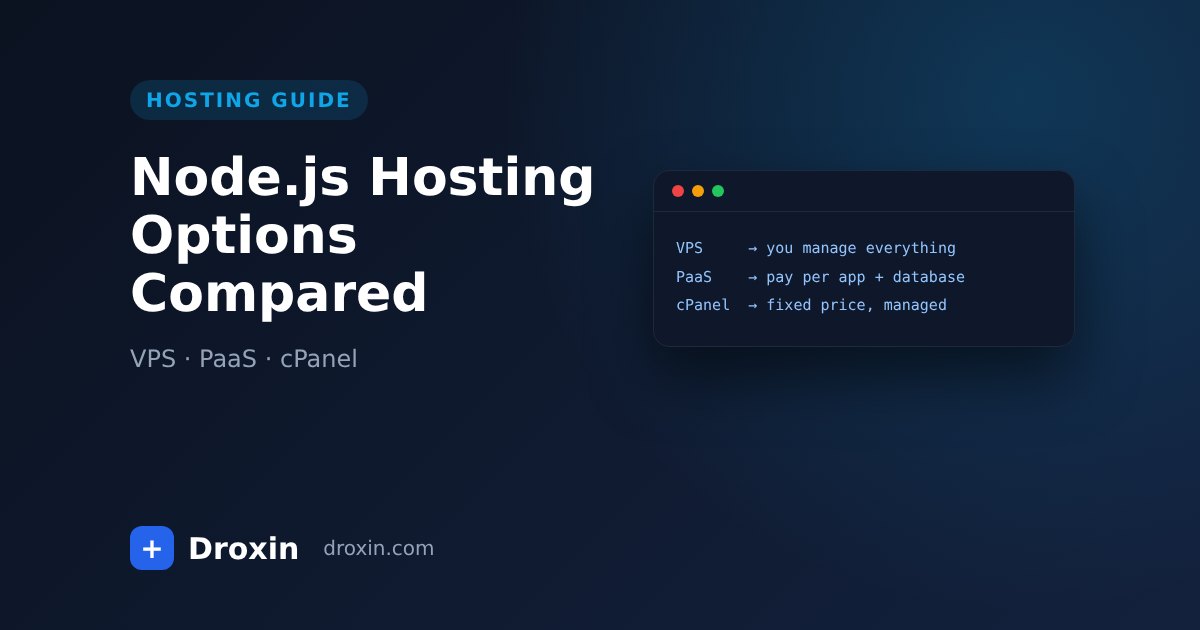
Where to Host a Node.js App: VPS vs PaaS vs cPanel Hosting
A plain comparison of the three ways to run a Node.js app in production — your own VPS, a platform-as-a-service, or managed cPanel hosting — and which one fits which project.
Read more