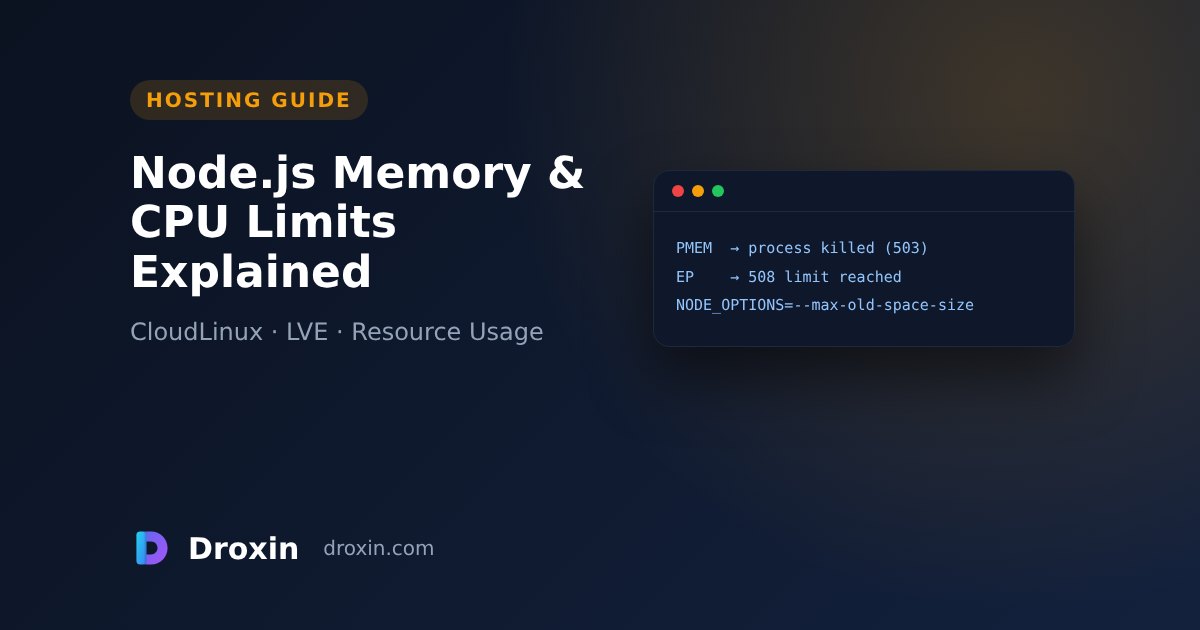
Short answer: on CloudLinux cPanel hosting your whole account gets fixed limits — CPU speed, physical memory, number of processes, simultaneous requests and disk I/O. All your Node.js apps, cron jobs and npm commands share them. When an app hits the memory limit it is killed (you see a 503 or "Incomplete response"); when it hits the CPU limit it slows down; when there are too many simultaneous requests visitors get "508 Resource Limit Is Reached".
The limits CloudLinux sets (LVE)
| Limit | What it counts | What you see when it is reached |
|---|---|---|
| SPEED (CPU) | CPU time, e.g. 100% = one core | The app gets slower; nothing crashes |
| PMEM (memory) | RAM used by all processes of the account | The process that asks for more is killed: 503, "Incomplete response received from application", npm install stops with "Killed" |
| NPROC | Number of processes | New processes (npm, cron, extra app instances) can't start |
| EP (entry processes) | Requests being handled at the same moment | "508 Resource Limit Is Reached" |
| IO / IOPS | Disk throughput and operations | Slow file work, slow npm install |
Which limits are set, and to what values, is decided by the host. On Droxin the CPU (SPEED) and memory (PMEM) follow the plan you choose; the other limits use the server's settings.
cPanel → Resource Usage shows your usage and every time a limit was hit ("faults"). That is the first place to look when an app becomes slow or restarts.
How much memory a Node.js app needs (estimates, not limits)
- A small Express or Fastify API, or a webhook bot: usually under 150 MB per running copy.
- NestJS with an ORM: often 150–300 MB.
- Next.js with server rendering: often 300 MB or more while running, and
next buildcan use well over 1 GB. npm installon a big project can briefly use several hundred MB.
These are typical ranges, not promises; measure your own app with Resource Usage or process.memoryUsage(). Remember that Passenger may run more than one copy of a busy app, and each copy counts.
Rather skip the setup? Node.js hosting with cPanel from $2.50/mo — always on, database included, and we fix the app if it won't start.
Keeping inside the limits
- Build on your computer (Next.js, NestJS, TypeScript) and upload the result.
- Cap Node's heap so it collects garbage before the account limit kills it: add the environment variable
NODE_OPTIONS=--max-old-space-size=512(in MB, below your plan's RAM) in Setup Node.js App. - Don't keep big data in memory — use the database or files for caches.
- Stream uploads and large responses instead of reading them whole.
- Move heavy jobs to cron at quiet hours, one at a time.
Which plan for which app
| App | Starting point |
|---|---|
| One webhook bot or a small API | 1 vCPU, 1 GB RAM |
| An API with a database, or a few small apps | 2 vCPU, 2 GB RAM |
| Next.js / Nuxt with server rendering, or several apps | 2–3 vCPU, 2–4 GB RAM |
On Droxin the CPU and RAM you choose are your account's CloudLinux limits, from 1 vCPU / 1 GB up to 8 vCPU / 8 GB, and you can raise them later without moving the app. See the plans and current prices on Node.js hosting.
When shared hosting is the wrong tool
If your app needs much more memory for a short time (video, image or AI processing), a VPS fits better. Small non-stop processes (a polling bot, a worker) can run with PM2 over SSH, but they use RAM all the time. See Passenger vs PM2 for the difference.